
Clean Grid vision board template
Six equal frames in a landscape grid, with one title above them. Nothing leads, so every picture carries the same weight.
- Landscape, 3 by 2
- 6 picture frames
- Every part editable
An account is required to create and save your board. Templates use no AI credits.
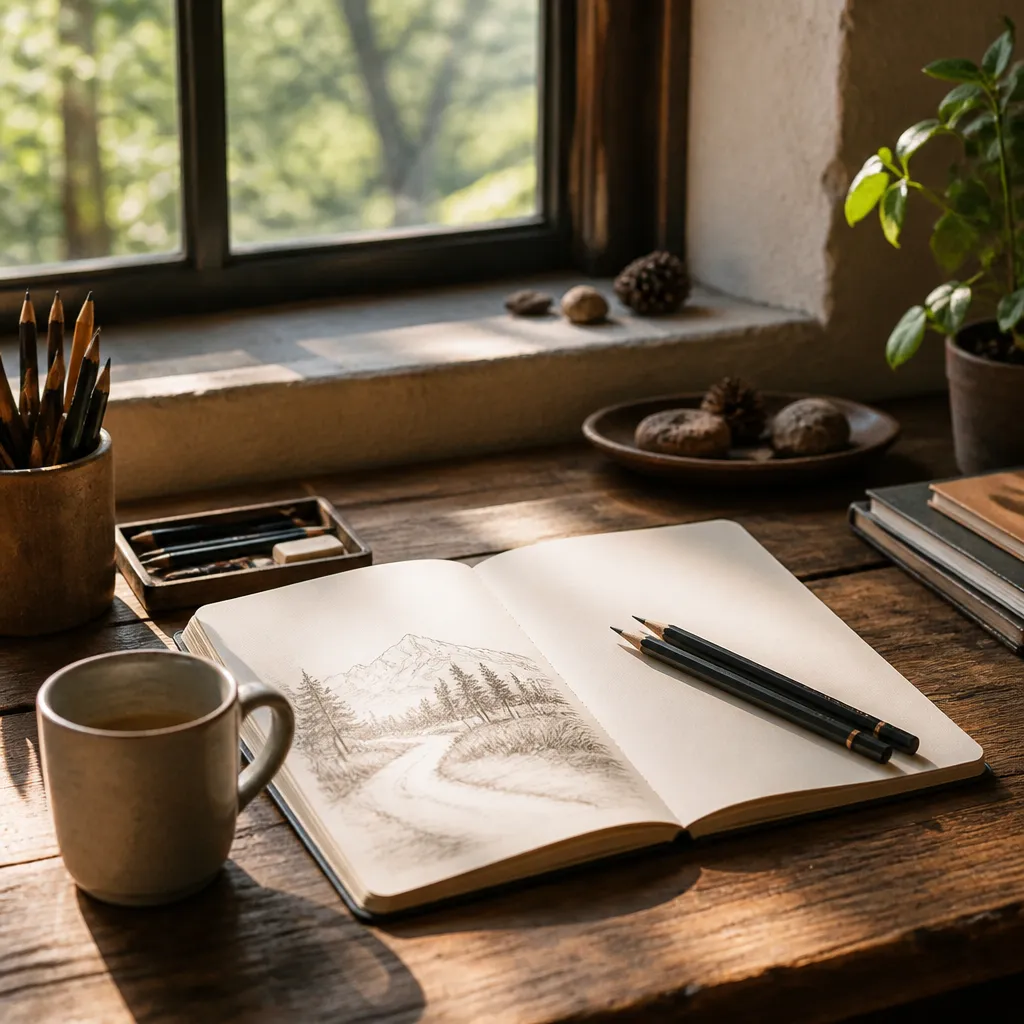
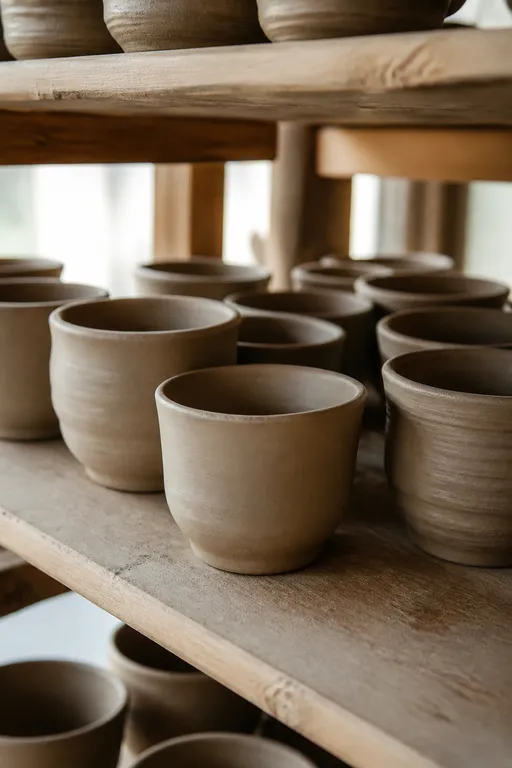
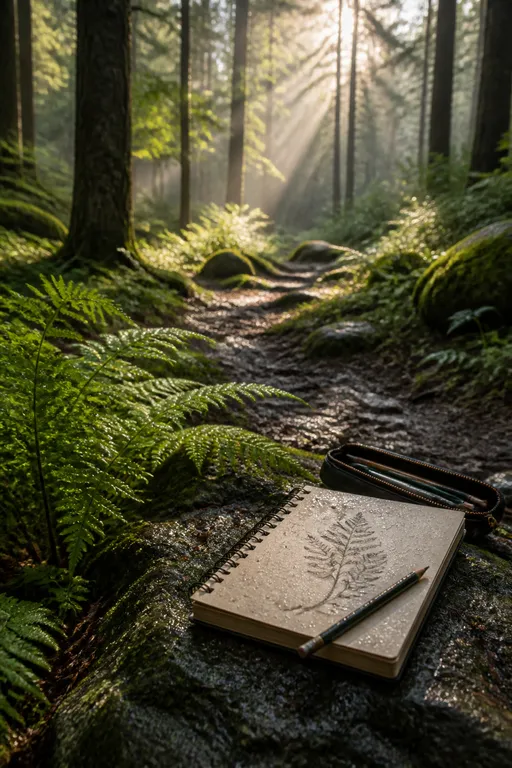

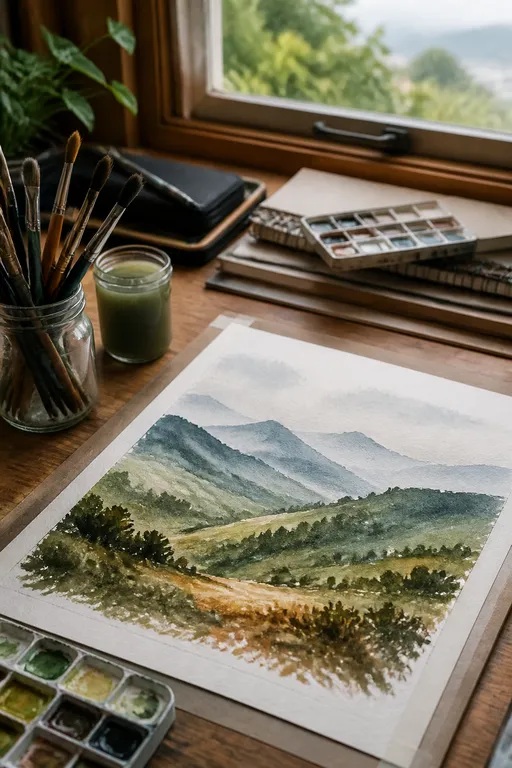
At a glance
6 frames, ready for your pictures.
A calm, even arrangement for pictures you want to keep side by side. Move, resize, or remove any element, rewrite every text, and replace or crop pictures whenever you like.
- Shape
- Landscape, 3 by 2
- Picture frames
- 6
- Editing
- Everything
When it fits
Choose Clean Grid when…
Several things matter to you about equally.
You want a tidy board that is easy to look at every day.
You would rather choose pictures than design a layout.
How to fill it
Three steps to a board that feels like yours.
Pictures with a similar brightness look calmest side by side.
Write the title first
One line about the season or year ahead. It tells you what belongs on the board.
Give each frame one thing
A place, a habit, a person, a skill. One picture for each, so the board stays easy to read.
Replace a picture when it stops being true
The grid stays in place, so a swap takes a moment.
Other layouts
Compare with the other five.
Questions about Clean Grid.
How many pictures does Clean Grid hold?
Six, in a landscape board with one text area for your title.
When should I choose another template?
If one picture should lead, try Hero Focus. If you only want a few priorities, try Minimal Focus.
Do templates use AI credits?
No. Choosing a template, creating the board, and uploading pictures use no credits. Creating an image for a frame uses credits and shows the cost first.
Clean Grid
Your pictures are
enough to begin.
AI is optional.