
Editorial vision board template
A tall board in the spirit of a magazine page: a heading, seven pictures of varied size, and plenty of white space around them.
- Portrait, 3 by 4
- 7 picture frames
- Every part editable
An account is required to create and save your board. Templates use no AI credits.

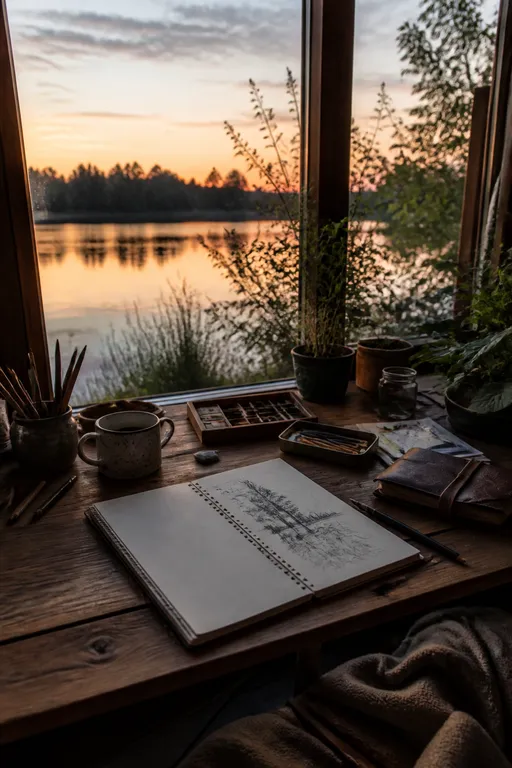
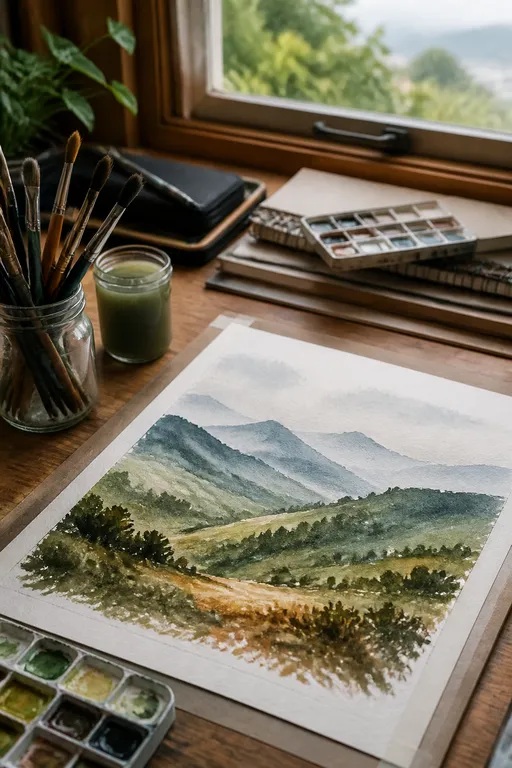



At a glance
7 frames, ready for your pictures.
A magazine-inspired arrangement with varied image sizes and a generous heading. Move, resize, or remove any element, rewrite every text, and replace or crop pictures whenever you like.
- Shape
- Portrait, 3 by 4
- Picture frames
- 7
- Editing
- Everything
When it fits
Choose Editorial when…
You like a magazine or journal look.
You want a tall board rather than a wide one.
You want a heading that sounds like a story, not a list.
How to fill it
Three steps to a board that feels like yours.
Mix a few wide scenes with a few close details; the varied sizes reward the contrast.
Write the heading like a cover line
It can be a phrase or a question. It sets the tone for the whole board.
Let one or two pictures be larger
The layout varies image sizes, so give the bigger frames the pictures that matter most.
Keep the white space
The calm around the pictures is part of the layout. Resist filling it.
Other layouts
Compare with the other five.
Questions about Editorial.
How many pictures does Editorial hold?
Seven, with a heading and one more text area, on a portrait board.
What shape is the board?
Portrait, three units wide and four tall. Every board can still be edited, resized, and rearranged.
Do templates use AI credits?
No. Choosing a template, creating the board, and uploading pictures use no credits. Creating an image for a frame uses credits and shows the cost first.
Editorial
Your pictures are
enough to begin.
AI is optional.